How to Play Setter in The Spike?
Learn how Setter works in The Spike, whether you can control the position, how older Setter controls worked, and how to get better attacks from an AI-controlled Setter.
Quick Answer: Can You Play as the Setter?
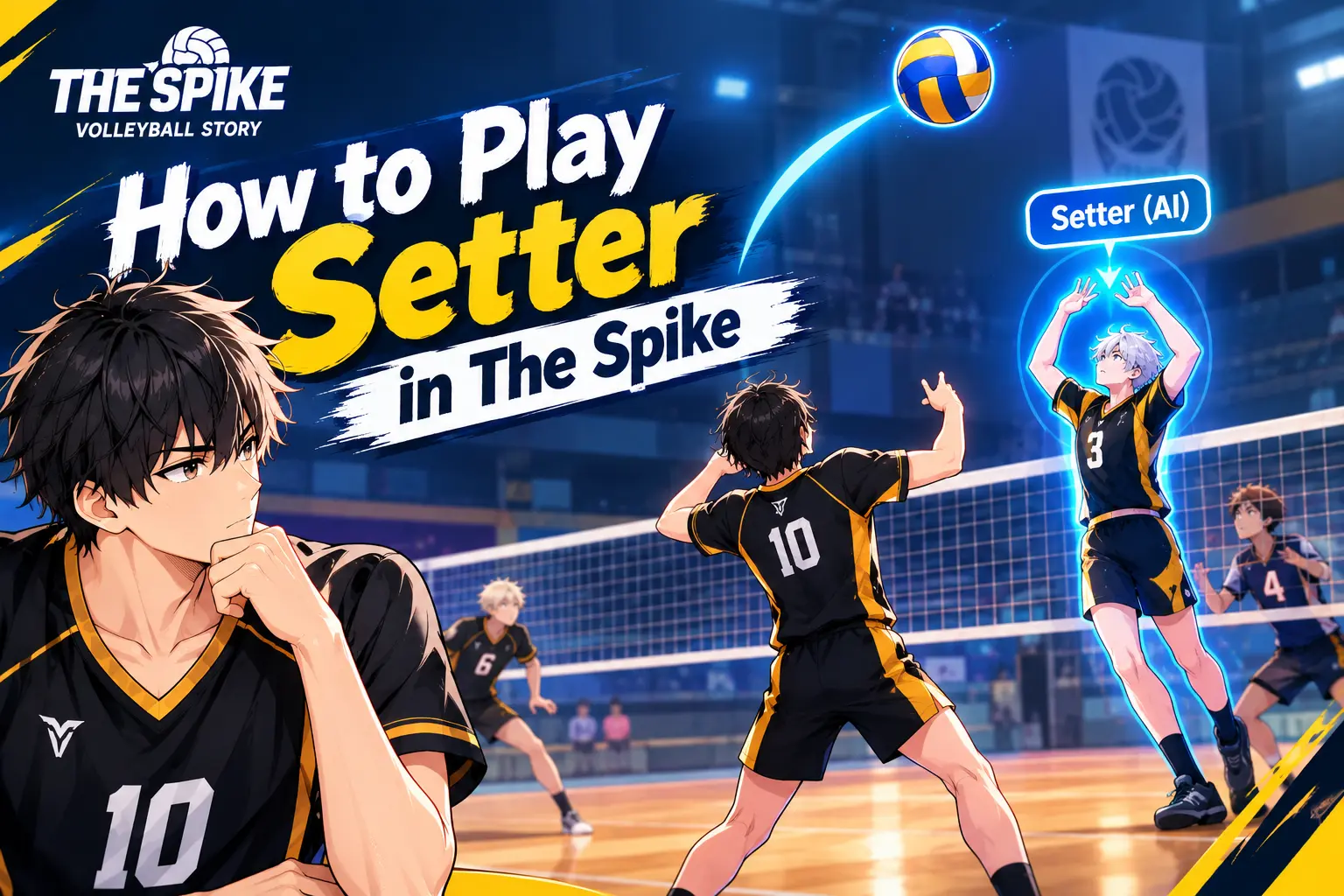
No. You cannot currently play as the Setter in normal mobile matches in the current version of The Spike Cross. The Setter is controlled by the game’s AI. There is no normal mobile Setter Mode that lets you manually control the position.
If you searched for how to play Setter in The Spike, you may have noticed something confusing. You can see Setter characters in your team, watch them make sets during rallies, and even find older guides explaining Setter controls. But when you try to select the Setter yourself, there is no normal option to do it.
The reason is simple: the Setter is controlled by the game’s AI. This is also important if you are using the spike mod apk , because different game or MOD versions may contain different features and controls.
This does not mean the Setter is unimportant. The Setter controls the second contact and helps decide how your attack develops.
This guide explains what you can and cannot do with the Setter in the current game.
How to Play Setter?
In the current version, you cannot manually play Setter during a normal match. Instead, choose a Setter for your team and let the AI control the position. Your job is to control your selected player and use the Setter’s decisions to build attacks.
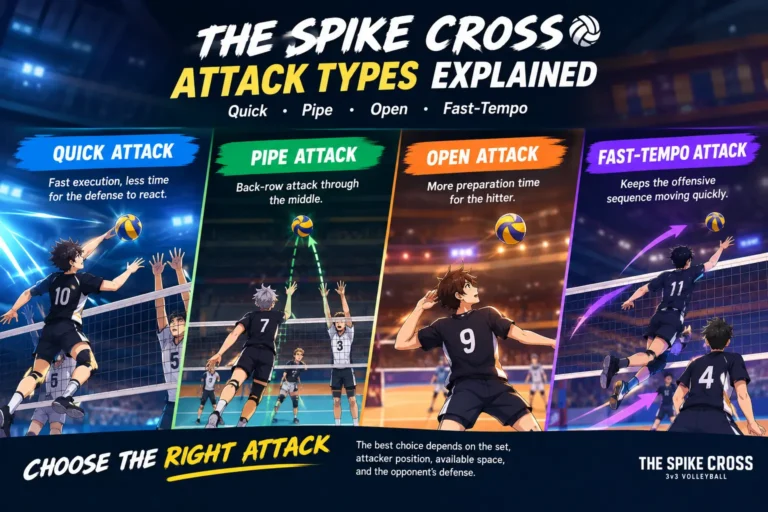
The official game is built around 3v3 volleyball and includes attacks such as quicks, pipes, open attacks and fast tempo attacks.
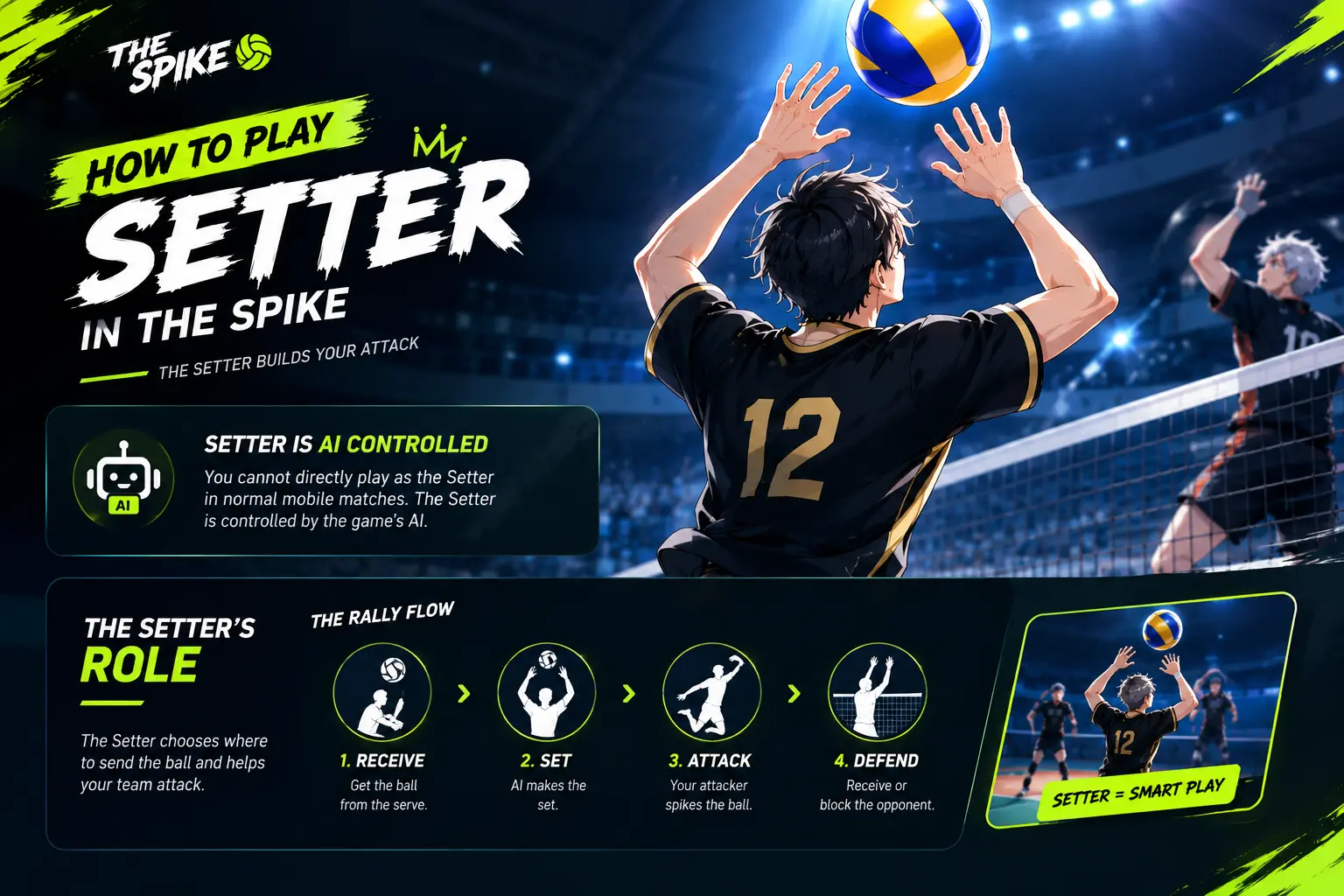
When the opponent serves, your team needs to receive the ball. After the first contact, the Setter normally moves into position and makes the next play.
A Simple Rally Looks Like This
| Rally Stage | Main Action |
|---|---|
| First contact | Receive the ball |
| Second contact | Setter makes the set |
| Third contact | Attacker attempts the spike |
| Defence | Your team receives or blocks the opponent |
The Setter is therefore important even though you cannot directly control the position.
How Does Setter Work?
The Setter receives or moves toward the second contact and chooses how to distribute the ball to an attacker. In The Spike, the Setter’s behavior affects the height, speed and target of the attack.
In real volleyball, the Setter is usually responsible for the second contact and places the ball where an attacker can hit it. The Spike uses the same basic idea.
Your Setter can create different attacking situations for your Wing Spiker or Middle Blocker.
Common Attack Situations
- Quick attacks
- Pipe attacks
- Open attacks
- Fast tempo attacks

How Do Setter Controls Work?
There are no manual Setter controls in the current mobile version because the Setter is AI controlled. Older versions of The Spike used different controls, including the right stick or mouse for directing the set.
This is where many players become confused.
An older Steam guide explains that when playing Setter, the character would automatically move toward the ball after the first contact. The player could then use the right stick, or the mouse on PC, to control the direction of the set.
Those controls belong to the older playable Setter system. They should not be presented as the controls for the current mobile version.
Older Setter Controls
| Control | Older Setter Function |
|---|---|
| Movement | Move around the court |
| Right stick | Direct the set |
| Mouse | Direct the set on PC |
| Automatic movement | Move toward the ball for the set |
The old system is useful to know because you may see it in older YouTube videos, Steam guides or screenshots.
If you are using the current mobile game, however, looking for a right stick Setter control will not solve the problem.
Who Can Play Setter?
In the current version of The Spike, players cannot manually control the Setter during normal matches. Setter characters are part of your team, but their position is controlled by the game’s AI.
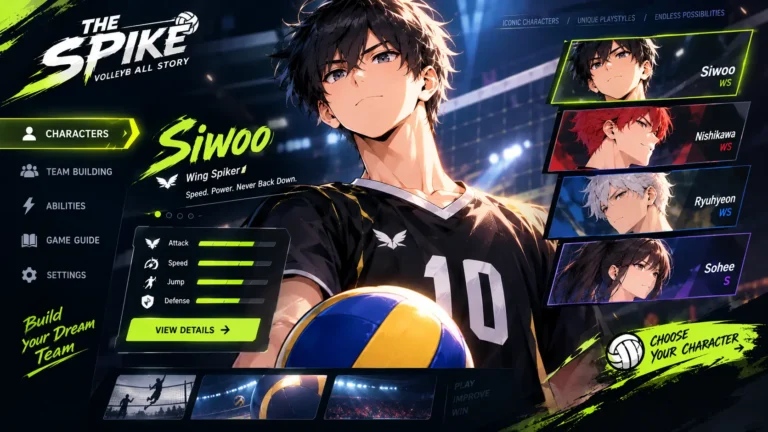
There are Setter characters in the game’s roster.
Recent game content has continued to add and feature Setter characters. For example, the Season 3 Elite Stage update introduced Sejin as an S rank Setter.
The Important Difference
- Setter character: Yes
- Setter position in your team: Yes
- AI-controlled Setter: Yes
- Manual Setter gameplay in the current mobile version: No
What Is Setter Mode?
Setter Mode refers to gameplay where the player directly controls the Setter instead of controlling the usual attacking position. It is not currently available as a normal playable mode on mobile in the current version of The Spike.
You may have seen references to Setter Mode because older versions of the game had playable Setter mechanics.
An old Steam community guide contains a full Setter section and explains how players could control the position.
Current players continue to ask about the feature because they remember older Setter gameplay or have seen old PC footage.
Old Version vs Current Version
| Feature | Older Playable Version | Current Version |
|---|---|---|
| Setter character | Yes | Yes |
| AI Setter | Yes | Yes |
| Manual Setter gameplay | Available in older PC version | Not normally available |
| Mobile Setter Mode | Not part of the current mobile system | Not available |
| Right stick setting controls | Used in older PC gameplay | Not a current mobile control |
Can You Play Setter on Mobile?
The current Google Play listing identifies the game as The Spike Cross Volleyball and lists Android as a supported platform. It describes gameplay around controlling one player on the court.
So if you are playing on an Android phone or iPhone and cannot find Setter Mode, there is currently no normal setting you need to unlock.
Why Can’t I Select My Setter?
The most likely reason is that you are playing the current version of The Spike.
The game lets you build a team containing different positions, but controlling a player and owning that player are two different things.
For Example, Your Team May Have
- A Setter
- A Wing Spiker
- A Middle Blocker
But the game still decides which position you directly control in a particular situation.
Can You Control the Setter During a Rally?
You can influence the rally by controlling your own player.
You Can
- Receive the opponent’s attack
- Move into position for your next attack
- Prepare for a set
- Adjust your approach
- Time your jump
- Choose where to direct your spike
Your Setter then handles the setting part of the rally through the game’s AI.
How to Get Better Sets From Your Setter
Although you cannot directly control the Setter, you can learn how Setter behavior affects your attacks.
1. Watch the Ball Before Jumping
Do not jump too early simply because the Setter has touched the ball. Watch the trajectory.
Different sets give you different amounts of time to prepare.
2. Learn Your Setter’s Behavior
Different Setter characters can behave differently.
Community guides describe Setter styles such as Arrogant, Careful, Defensive and Aggressive, with different preferences for set height and attack distribution.
These are community-documented behaviors rather than a promise that every Setter will behave identically in every situation.
3. Adjust Your Approach
If the set is low, you need to prepare faster. If the set is high, you normally have more time to approach.
Do not use exactly the same timing for every ball.
4. Learn Quick Attacks
Quick attacks are one of the attacking systems listed by the official game description.
A quick attack requires better timing because the ball reaches the attacker sooner.
What About Training Mode?
There is some confusion around Training Mode because players have reported being able to select Setter-related positions in certain training situations, but this does not mean that full Setter gameplay is available.
A current Steam discussion mentions selecting the Setter in training but also notes that the player cannot actually perform normal setting from that position.
Do not confuse selecting a Setter for a training situation with having a full Setter Mode.
Is Setter Mode Coming to The Spike?
There is no reliable current official announcement in the sources checked here confirming a date for a full playable Setter Mode.
Players continue to request the feature, and recent discussions show that it remains a common question.
That means you should be careful with articles or videos claiming that a particular update definitely adds Setter Mode unless they are supported by an official update announcement.
Setter Guide: What You Should Remember
| Question | Current Answer |
|---|---|
| Can I play Setter on mobile? | No |
| Is Setter available as a character? | Yes |
| Is the Setter controlled by AI? | Yes |
| Can I manually choose where the Setter sets? | No in the current mobile game |
| Did older versions have playable Setter controls? | Yes, older PC gameplay documented them |
| Does Setter affect your attack? | Yes |
| Can Setter styles change how the AI sets? | Yes |
| Is there a confirmed current mobile Setter Mode? | No |
Final Answer
If you are playing The Spike Cross on mobile in 2026, you cannot currently take direct control of the Setter in normal matches.
The Setter still plays an important role. It controls the second contact and helps create quicks, pipes, open attacks and other attacking situations.
Your job is to understand how your Setter behaves and adjust your attacking timing around the sets you receive.
If you remember playing Setter in an older version, older PC gameplay had a playable Setter position with controls for directing the set.
If SUNCYAN adds a playable Setter position in a future update, the controls and gameplay could change. Until an official update confirms it, old Setter controls should not be treated as current mobile instructions.